

How to Automate Business Processes With LLMs in 2026
Step-by-step framework for identifying which business processes are LLM-automatable, designing the pipeline architecture, selecting orchestration tools (LangChain, n8n, custom), and building validation layers that make outputs production-safe.
How to Automate Business Processes With LLMs in 2026
Automating business processes with LLMs means using large language models — GPT-4o, Claude 3.5 Sonnet, Gemini 1.5 Pro — as reasoning engines within a structured pipeline: the model reads an input, performs an extraction or decision, and produces a structured output that triggers the next step. The automation is not the LLM itself; it's the pipeline around it that makes the output reliable, auditable, and actionable.
The gap between "using ChatGPT to summarize emails" and "a production automation pipeline that processes 500 invoices per day without human review" is architectural. This guide covers that architecture.
How LLM-Based Automation Works
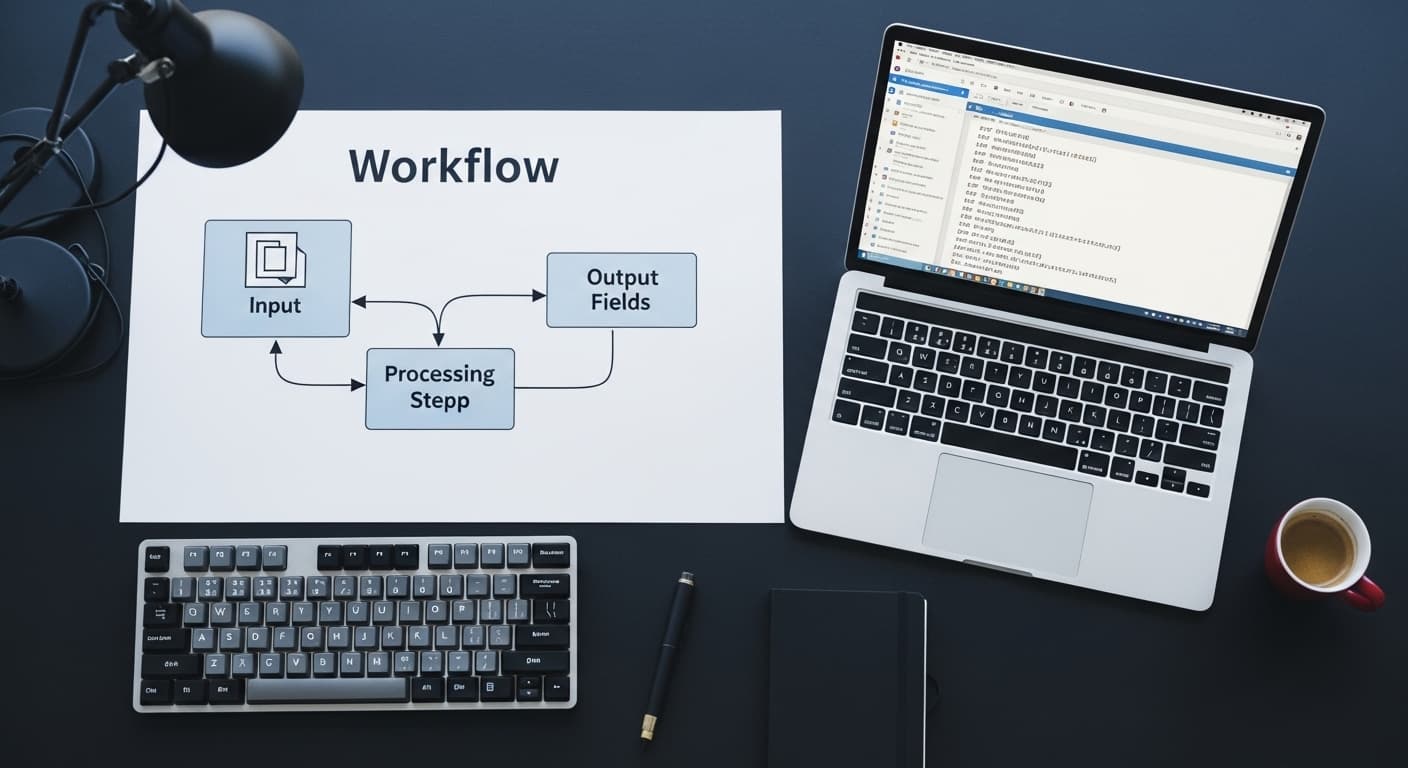
An LLM automation pipeline has four components:
1. Input ingestion — the mechanism that captures the raw input (email arrival, file upload, form submission, scheduled database query) and passes it to the pipeline.
2. LLM processing — the model receives a prompt that includes the raw input and a precise instruction for what to extract, classify, or generate. The prompt is the most important engineering surface in the pipeline — poorly specified prompts produce unreliable outputs regardless of model quality.
3. Output parsing and validation — the LLM's response is parsed into a structured format (JSON, structured fields) and validated against expected schemas. Values outside expected ranges or formats are flagged for human review rather than passed downstream.
4. Action execution — the structured output triggers a downstream action: a database write, an API call, an email send, a Slack notification, a CRM update.
The reliability of the pipeline is determined by steps 3 and 4, not step 2. Most LLM automation failures are validation failures — the output was close to correct but not validated, and the error propagated downstream.
Process Selection: What Works and What Doesn't
Not all business processes are good LLM automation candidates. The selection criterion is: does the process require reading variable-format or natural-language input and producing a structured output?
Strong candidates:
Document processing — invoices, contracts, purchase orders, support tickets. The input varies, the required output is structured (vendor name, amount, payment terms, category). LLMs handle this reliably with well-designed prompts.
Classification — routing inbound emails to departments, tagging customer feedback by theme, categorizing support requests by priority and type. Classification is one of the highest-accuracy LLM tasks when the categories are well-defined.
Summarization for downstream action — meeting transcript → action items list, sales call recording → CRM update fields, research document → structured brief. These pipelines replace a manual step a human currently does by reading and producing a document.
Weak candidates:
Processes requiring 100% deterministic outputs — financial calculations, compliance checks that require exact rule matching. Use rule-based systems for these.
Processes with no validation possible — if there's no way to check whether the LLM's output is correct before it acts, the pipeline is too risky to run unsupervised. Build the validation layer first.
Real-time, low-latency processes — LLM inference adds 1–5 seconds of latency per call. A pipeline that runs once per document upload works fine; a pipeline that must respond in under 200ms to a user interaction is the wrong architecture.
Tooling Options for LLM Automation Pipelines
| Tool | Best For | Limitations |
|---|---|---|
| n8n (self-hosted) | Multi-step workflows, teams with technical users | Requires hosting, less suited for ML-heavy pipelines |
| LangChain | Complex chains, RAG pipelines, agent frameworks | High abstraction overhead, can obscure debugging |
| LlamaIndex | Document indexing and retrieval-augmented pipelines | Narrower scope than LangChain |
| Make (Integromat) | Low-code automation with AI steps | Limited customization at scale |
| Custom Python + OpenAI SDK | Full control, complex validation logic | Highest dev overhead |
| Zapier AI | Simple single-step automations | Ceiling is low for production-grade pipelines |
For most production B2B automation pipelines, the right choice is either n8n for orchestration with direct LLM API calls, or custom Python for pipelines that require complex validation or ML components beyond LLM inference. Magehire's AI automation consulting work typically uses n8n for workflow orchestration combined with custom processing nodes where the logic is too complex for low-code.
Use Cases with Real Numbers
Invoice processing: A professional services firm processing 400 invoices per month manually (2 minutes per invoice = 13 hours/month) built an LLM pipeline using GPT-4o that extracts vendor, amount, line items, payment terms, and PO number with 96% accuracy. Manual review handles the 4% flagged for exceptions. Total processing time: 45 minutes/month for exception review.
Support ticket classification: A SaaS company routing 3,000 support tickets per month to three teams (billing, technical, account management) with ~15% misrouting manually. An LLM classification pipeline using Claude 3.5 Sonnet reduced misrouting to under 3% and eliminated the manual triage step entirely.
Contract review prep: A legal operations team spending 40 minutes per vendor contract extracting key terms (payment terms, liability caps, renewal dates, governing law) built an LLM pipeline that produces a structured summary in under 90 seconds. Lawyers review the summary rather than the full document for initial assessment.
When to Use LLM Automation — and When to Wait
Use LLM automation now if: you have a process where a human currently reads variable-format input and produces structured output, the volume is high enough that the time savings justify a 4–6 week build, and you can tolerate a small error rate with human-in-the-loop exception handling.
Wait if: you need 100% accuracy with zero exceptions (use rule-based automation), you don't have the technical capacity to build and maintain the validation layer, or the process is too low-volume to justify the build cost.
For an AI automation vs traditional RPA comparison, the decision framework is the same — map each process step and identify where judgment is required.
How to Get Started: A 4-Week Pilot Framework
Week 1: Select one process. Map every step. Identify the input format, the required output fields, and the current human time cost. Define what "correct output" means — this is your validation benchmark.
Week 2: Build the prompt. Test it against 50 real historical examples. Measure accuracy against your benchmark. Iterate the prompt until accuracy is above 90% on the test set.
Week 3: Build the pipeline — ingestion trigger, LLM call, output parsing, validation layer, action step. Run it in shadow mode (pipeline runs but doesn't act; outputs are logged for comparison against human outputs).
Week 4: Compare shadow mode outputs to human outputs. Address systematic errors. Set confidence thresholds. Define the exception handling path. Enable the pipeline in production with a monitoring alert if the exception rate exceeds a defined threshold.
This four-week structure is how Magehire approaches initial AI automation consulting engagements. The goal of the pilot is a production pipeline and a data-backed assessment of which processes to automate next.
Ready to Automate Your First Business Process?
Most teams have three to five high-impact automation opportunities already visible in their operations. Magehire helps identify them, build the pilot, and scale what works. Schedule a strategy session and we'll map your best candidates in the first call.
?Frequently Asked Questions
Keep Reading
Explore more insights from our team

Etched Hits $5B Valuation and $1B Sales in AI Chip Market
Etched emerges as a formidable rival to Nvidia, achieving a $5 billion valuation and $1 billion in sales, reshaping the AI chip landscape.

How to Build an MVP Without a Technical Cofounder
Covers the four realistic paths for non-technical founders to build an MVP (no-code, low-code, freelancer, agency), how to evaluate each by scope and budget, how to avoid the most common mistakes, and what to look for when hiring technical help without being able to evaluate the code yourself.
Scale Your Project
Ready to build high-performance software? Our experts in New York handle the technical heavy lifting so you can focus on growth.
Get a Free Consultation